Customer review software for
multi-location brands
Whether you run 3 or 300 locations, local trust shapes your brand. WiserReview helps
multi-location businesses collect, manage, and show customer reviews at scale.
Build trust in every store, clinic, or office.

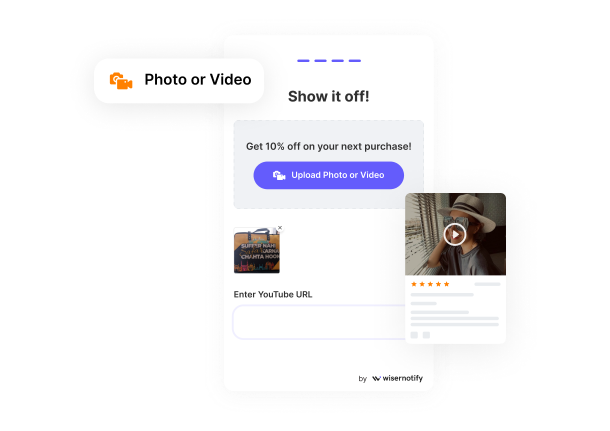
What’s holding you back?
No system to collect reviews after visits
Reviews scattered across Google or social
No way to manage feedback by location
Hard to show local trust on store pages
Manual work with no insights or automation

Why growing brands use WiserReview
Automate review requests by store or region
Tag feedback by staff, city, or service
Show location-specific reviews on every page
Pull in Google reviews from every listing
Keeps Review Clean, Clear, and Organized
Boost local SEO with schema-powered widgets
The all-in-one review system
Collect Reviews by Location

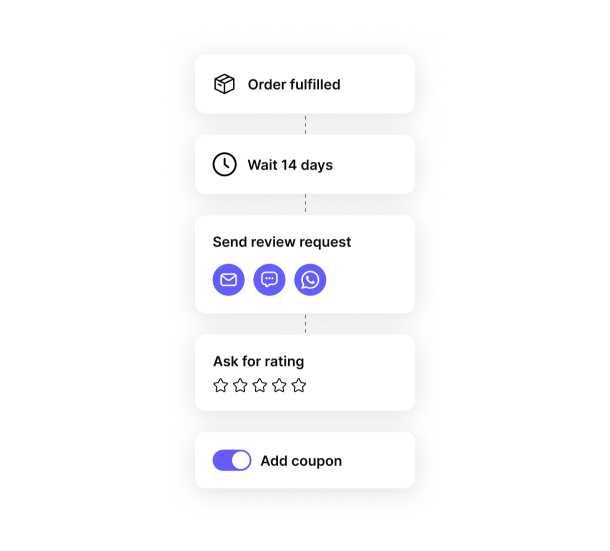
Automate Review Requests

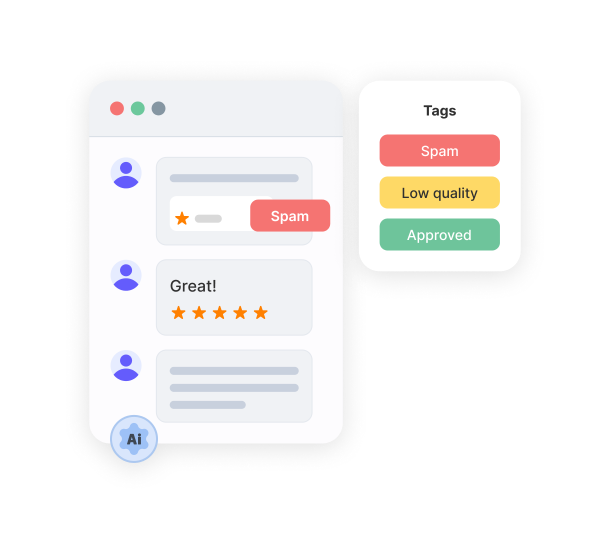
Centralize Moderation

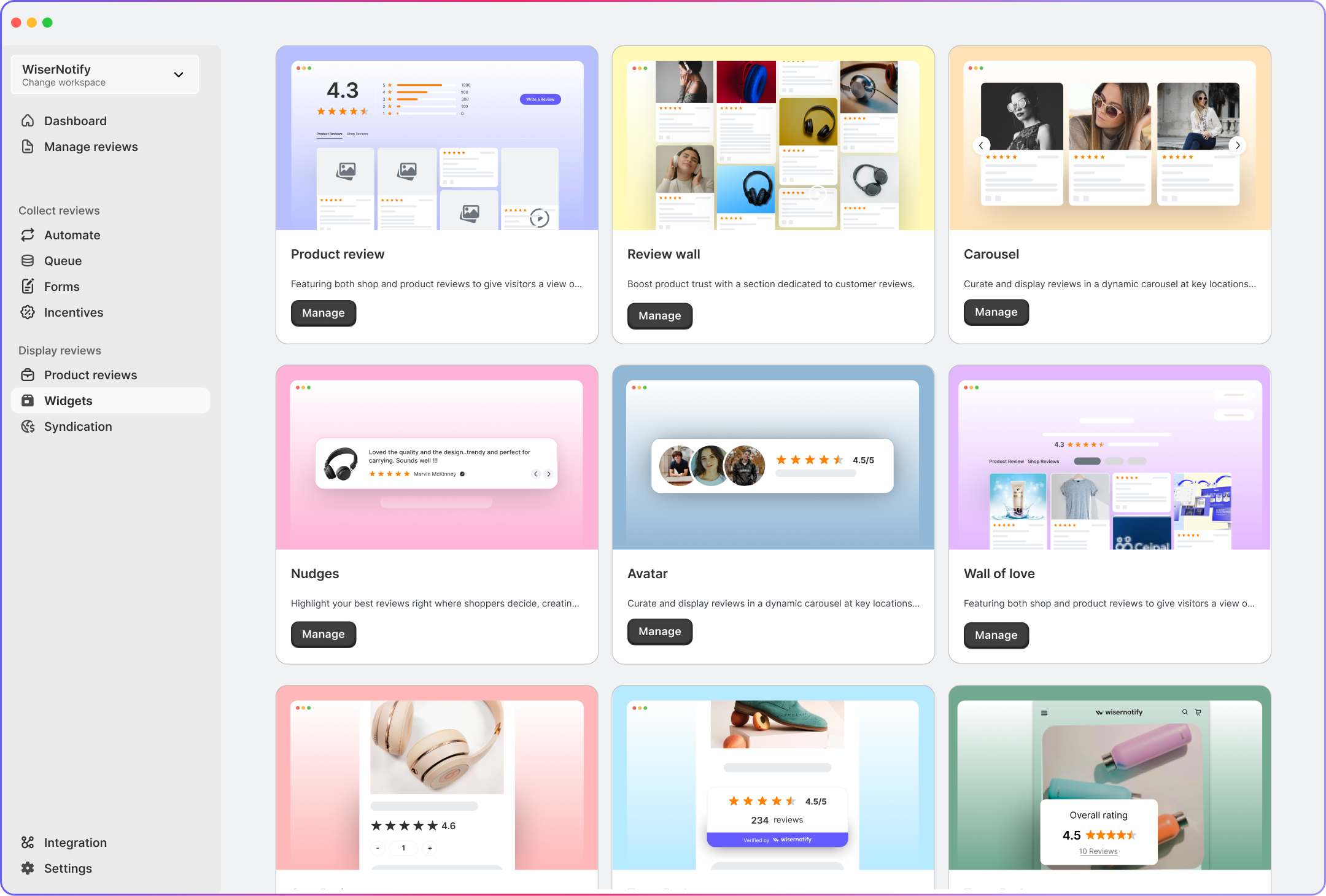
Display Reviews

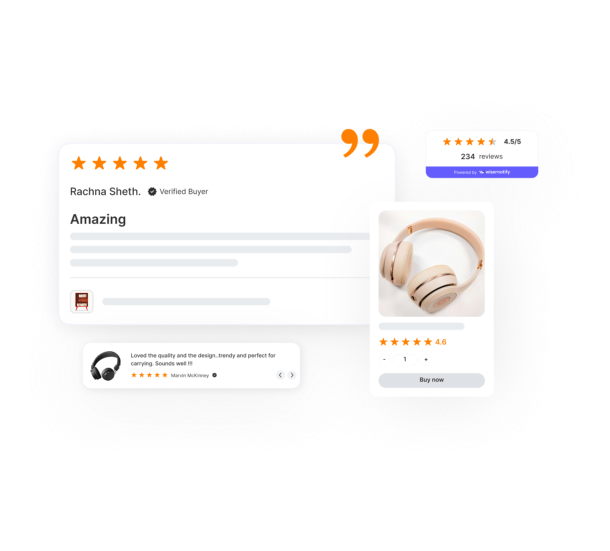
Everything you need to scale local

Why reviews matter for
multi-location
One review builds trust. Many reviews build a brand across every location.
Boost local Google rankings
Google ranks local listings with frequent, high-quality reviews higher in “near me” and map searches. Locations with fresh, relevant feedback outperform local competitors.
Show branch-specific proof
Buyers don’t want to see generic brand praise, they want to know what happened at that branch. Reviews like “The Brooklyn team fixed it same-day” boost local credibility.
Spot service issues early
Reviews surface issues, like slow checkout at Store #14 or rude staff at the Denver clinic, before surveys or internal audits do. You act on trends, not just guesses.
Tag reviews by region
You tag feedback by store, staff, or service (e.g. “Curbside pickup – Tampa”) and display it dynamically where it matters. Each location builds its own trust engine.
Increase conversions with local reviews
Pages with embedded location-specific reviews convert more visitors into appointments, bookings, or purchases. Real proof builds confidence fast.
Balance out bad reviews
One negative review won’t define a branch if you’ve built steady review volume. WiserReview automates this collection, ensuring no location is left behind.
Real words, real results
Built for your industry


Works with your tools
and every location you manage
WiserReview integrates with your CRM, booking, and website tools
- across all branches and stores.

Google reviews
Collect & show local store ratings.

Import page-specific reviews.

WordPress
Collect & embed reviews on site.

Trustpilot
Display public brand reviews.

Wix
Embed reviews by store location.

Custom website
Works with any website.
30+ integration
View all5 Multi-Location Review Tactics
Using WiserReview
Practical ways to improve trust, visibility, and efficiency across every location.
Tag Reviews by Location Automatically
You collect reviews, but they’re all mixed, and there’s no way to see which location they came from. This makes it impossible to measure how each branch is doing or to show the right reviews on the right pages. Use WiserReview to tag each review by store, region, or location.
How
Add a hidden “location ID” field to your review form or use URL parameters when sending review requests. WiserReview will tag the response automatically. This lets you filter reviews later for display or analysis.
Display Location-Specific Reviews on Local Pages
All your pages show the same generic reviews, even when customers are looking at a specific store or city. That creates a trust gap. Local buyers don’t see proof that your brand performs well in their area. Use WiserReview widgets to display filtered reviews by store, region, or location tag.
How
Inside the widget builder, apply a tag filter based on location name or ID. Embed the resulting widget directly on your store locator pages or city-specific landing pages. Now, each visitor sees reviews that match their area.
Trigger Review Requests Based on Visits or Orders
You rely on your team to ask for reviews manually, but they often forget or find it awkward.
Missed timing means fewer reviews, especially for busy stores or locations with high staff turnover.
Automate review requests through WiserReview using your CRM, booking tool, or POS.
How
Use Zapier or webhooks to connect your system to WiserReview.
Trigger a form link or email after an appointment is completed, a sale is marked fulfilled, or a service is checked out.
WiserReview sends the right form, already tagged to that location.
Use AI to Surface Location-Level Insights
You collect hundreds of reviews but don’t know what’s going wrong or what’s working in each store.
It’s overwhelming to read everything manually, and team leads have no visibility.
Let WiserReview’s AI highlight keywords and flag patterns by location.
How
Turn on AI moderation. It auto-tags reviews mentioning “wait time,” “staff,” “cleanliness,” and other location-sensitive feedback.
Use filters to group insights by branch, so you can quickly fix service issues or highlight what’s working.
Sync Verified Reviews with Google for Each Branch
Your Google Business Profiles show little or no activity compared to your real performance.
That hurts local SEO and reduces trust in each location during Google searches.
Sync top reviews directly to Google Business Profiles through WiserReview.
How
Connect your Google accounts through the Integrations tab. Assign each review tag to the correct GMB location.
Approved reviews will appear on the right profiles, giving each branch its own search visibility.

Start Turning
Reviews into Sales
You’ve got the products. You’ve got the happy customers. Join the growing community using WiserReview to turn customer feedback into real results.
Frequently
asked questions
Discover answers to commonly asked questions about location based reviews.